Cracking Excel Sheet Protection Password
- Posted in:Admin
- 23/04/18
- 96
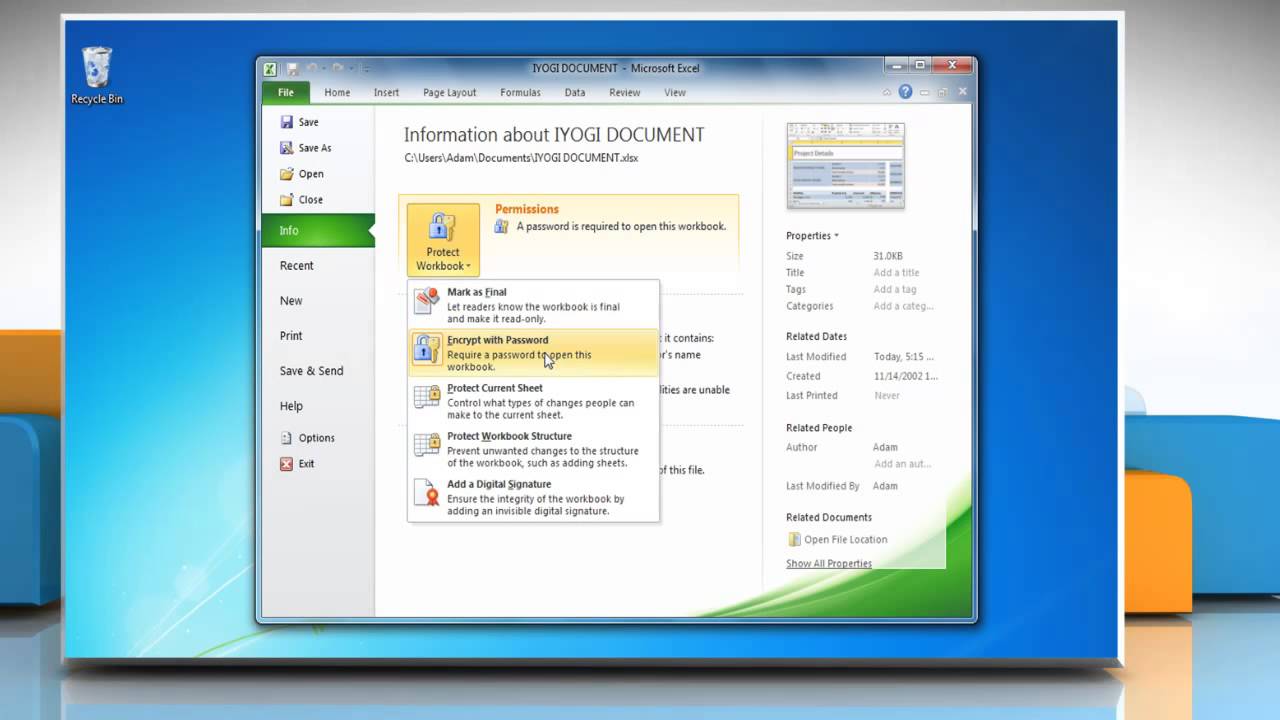

Quick tip to Unlock Protected Excel sheet without knowing its password. Crack protected excel with this VBA Macro code, Unprotect it if lost password. IT pros offer helpful suggestions and scripts to unlock a password-protected Excel. Mario Sports Mix Wii Iso Ntsc here. Protected excel sheet.
Best Usb Wifi Extender more. Acrobat 8 Pro Activation Code there. Recommended Productivity Tools Recover lost worksheet protection password in Excel with VBA code The following VBA code can help you to quickly cancel your original passwords in a worksheet. Open your worksheet which has been protected before.
Hold down the ALT + F11 keys, and it opens the Microsoft Visual Basic for Applications window. Click Insert >Module, and paste the following code in the Module Window. Increase your productivity in 5 minutes. Don't need any special skills, save two hours every day! 200 New Features for Excel, Make Excel Much Easy and Powerful: • Merge Cell/Rows/Columns without Losing Data. • Combine and Consolidate Multiple Sheets and Workbooks. • Compare Ranges, Copy Multiple Ranges, Convert Text to Date, Unit and Currency Conversion.
• Count by Colors, Paging Subtotals, Advanced Sort and Super Filter, • More Select/Insert/Delete/Text/Format/Link/Comment/Workbooks/Worksheets Tools.
The tutorial shows how to protect Excel sheet with or without passwords. It also explains how to unlock Excel spreadsheet without password if you forgot or misplaced it. When sharing your worksheets with other people or sending your Excel files outside of your organization, you may want to prevent other users from changing cells that shouldn't be changed, and also from moving or deleting important data in your worksheet or workbook. Luckily, Excel provides a quick and easy way to lock a sheet or password protect an entire workbook to prevent accidental or deliberate changes in their contents. • • • • • • • • • What you need to know about Excel worksheet protection Worksheet protection in Excel is not a security feature. It's is not actually intended to prevent people from accessing data in a password-protected worksheet. Because Microsoft Excel uses a very simple encryption algorithm for worksheet protection.
Even when you protect your Excel worksheet with a password, that password is very easy to break. In older versions (below Microsoft Excel 2010), it doesn't even matter how long and complex your password is. Anyone who has at least some basic knowledge of VBA can crack it in minutes (here's an example of the that easily cracks passwords in Excel 2010 and lower versions). The recent versions of Excel 2013 and 2016 use more sophisticated methods of sheet protection, but they are also vulnerable and can be unlocked without knowing a password. In other words, if someone really wants to get access to a protected sheet, they will.